
ROOTKey MCP connects the AI assistant or coding agent your team already uses to ROOTKey through the Model Context Protocol. You ask in plain language; the assistant creates vaults and tables, adds files that are sealed and can be validated later, reads audit trails and history, and helps integrate ROOTKey into your code. It acts as you, with your permissions and never more, and each organisation decides what agents may do. Setup steps for each assistant are on the MCP page.
What you can ask
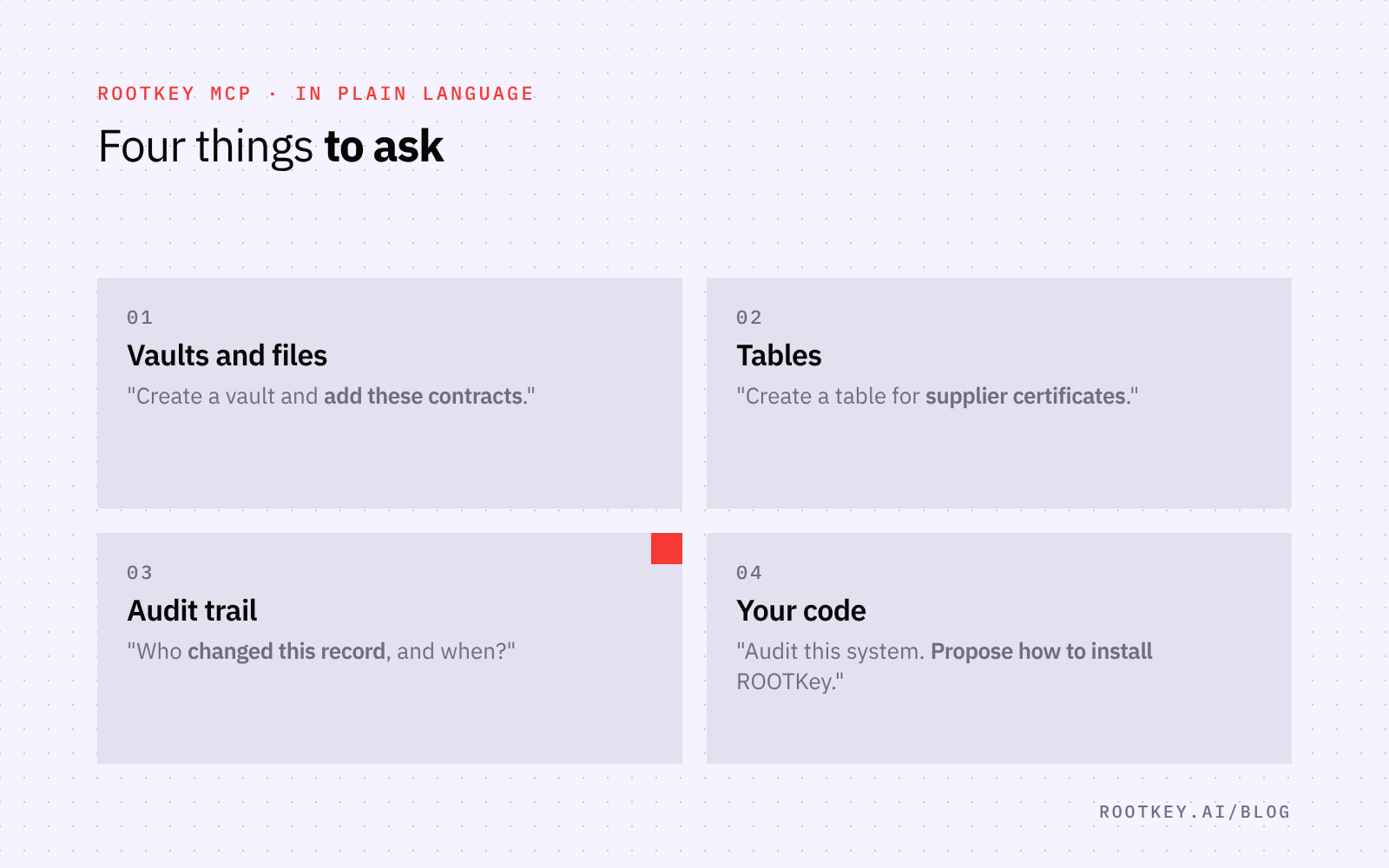
- "Create a vault and add these contracts." The assistant creates the vault in the organisation you chose and adds the files. Each one is sealed in ROOTKey and can be validated later.
- "Create a table for supplier certificates." With the columns you describe. Records are written and versioned, so every change keeps its history.
- "Who changed this record, and when?" The assistant reads the audit trail and the history of the file or record, in the conversation where the question came up.
- "Audit this system. Propose how to install ROOTKey." A coding agent reads your code and the ROOTKey documentation, proposes an integration and helps build it.
Your permissions, never more
Connecting an AI to the system that proves your data is intact only makes sense if the AI cannot weaken that proof. So the controls are strict by default.
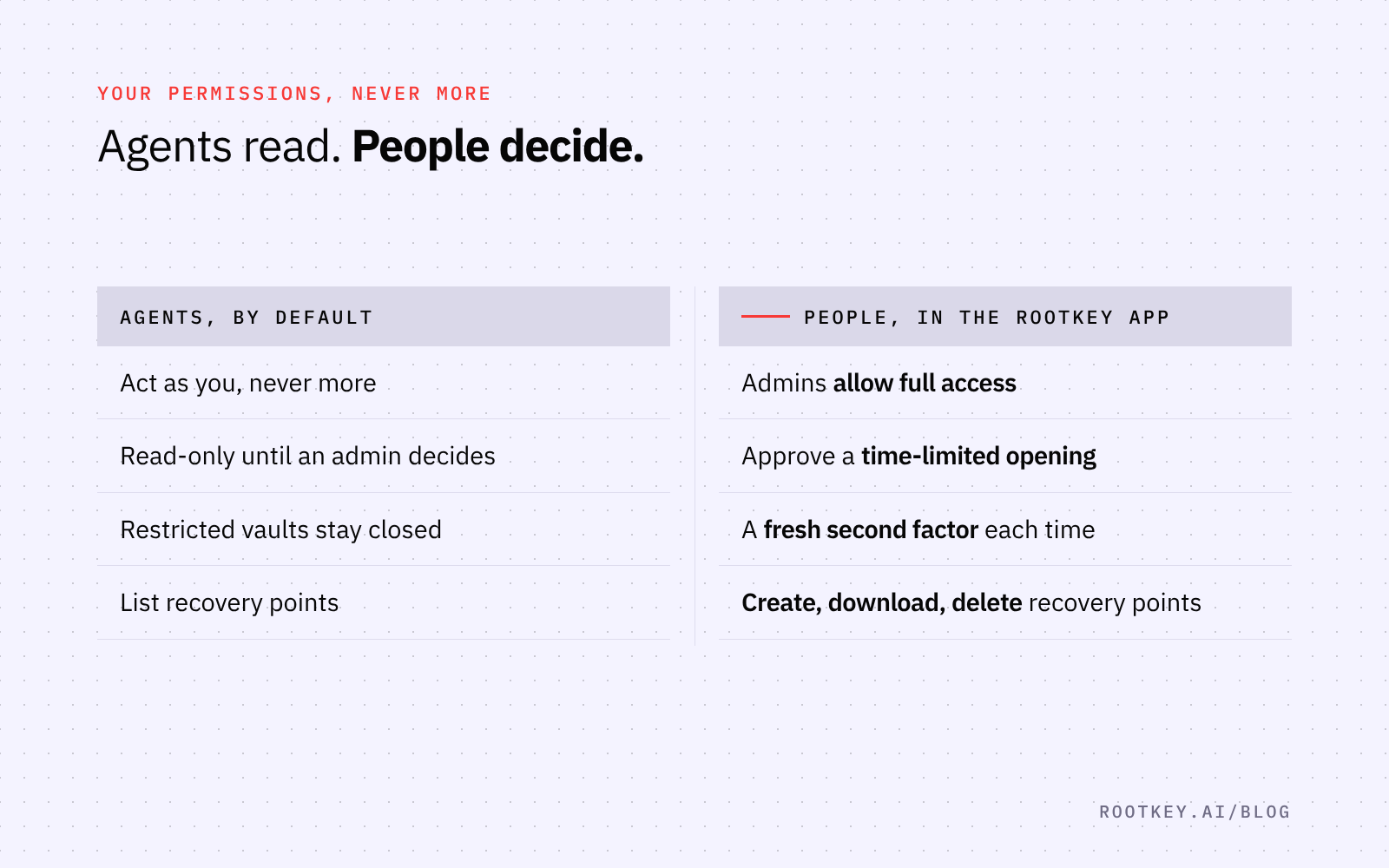
- It acts as you. A connected app never has more access than you have in the ROOTKey app.
- Read-only until an admin decides otherwise. Each organisation chooses whether agents may act. Until an admin allows full access, they can only read.
- Restricted stays closed. Agents cannot reach restricted vaults and tables. If your organisation allows it, you can open one to one connection for a few minutes, approved in ROOTKey with a fresh second factor, and never for a delete.
- Every change names its organisation. Each change an agent makes reports where it acted.
- Recovery points stay in the app. Agents can list them; creating, downloading or deleting one is done by a person in ROOTKey.
How to connect
In a chat app, add ROOTKey as a custom connector with the address below and sign in to ROOTKey; there is no token to create or paste. A coding agent runs the official ROOTKey MCP server locally, with Node.js 20 or later and a personal access token. Step-by-step instructions for each assistant are on the MCP page.
# Chat apps: add a custom connector with this address
https://mcp.rootkey.ai/mcp

# Coding agents: run the official ROOTKey MCP server (Node.js 20+)
npx -y @rootkey/mcp
Start with one question
After you connect, ask your assistant to list your ROOTKey organisations and vaults. If you do not have a ROOTKey account yet, create a free one first, or talk to our team about using ROOTKey MCP across your organisation.