
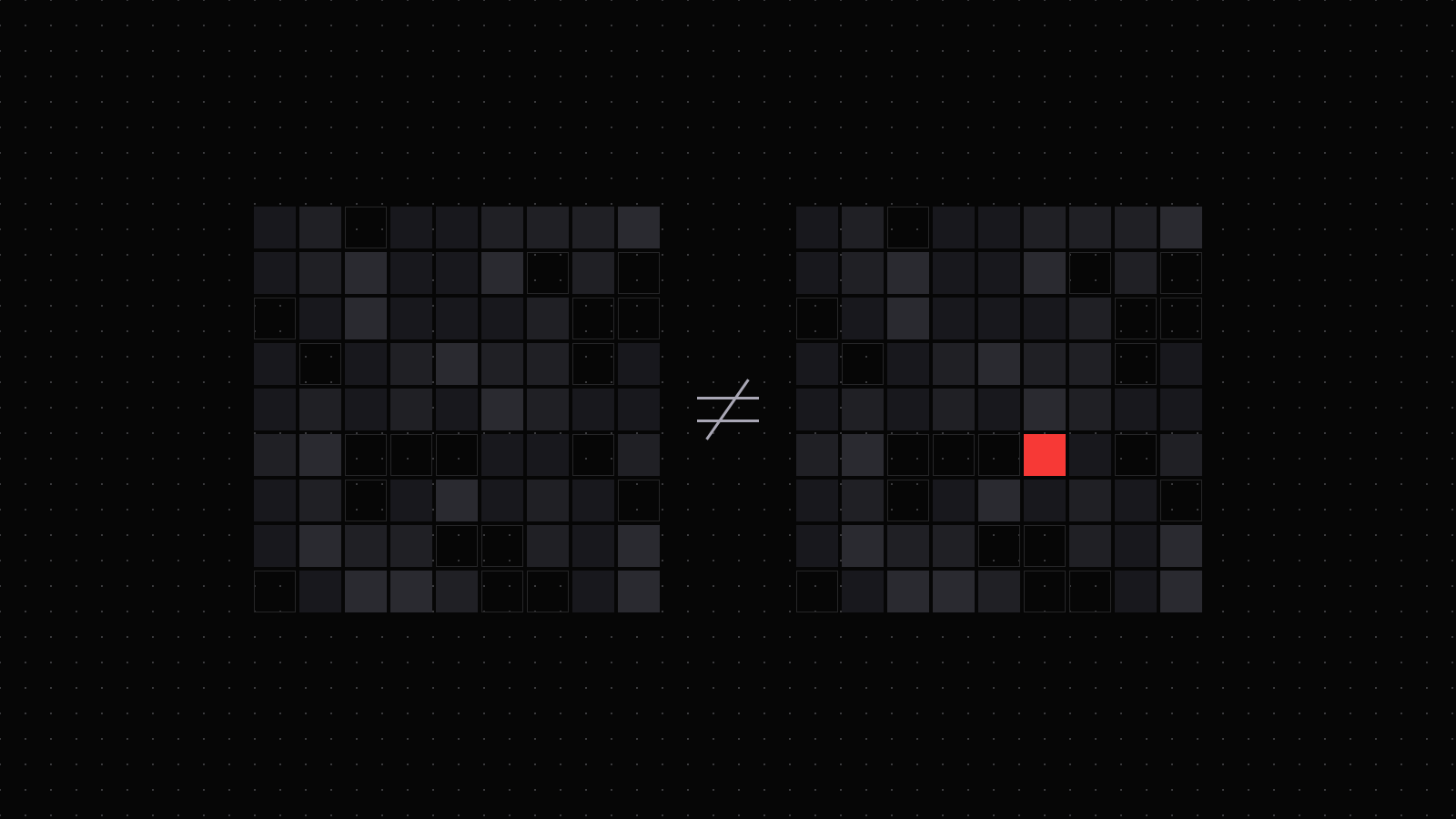
Data tampering is the unauthorised change of data: a figure in a contract, a row in a ledger, a region of a scanned document, a line in a log. You detect it in two ways: by noticing signals that something was changed, and by comparing the data with a trusted record of its earlier state. Signals tell you where to look. Only the comparison tells you what changed, and it only works if the record was made before the change and kept where the attacker could not reach it.
Why tampering is hard to see
Ransomware announces itself. Tampering is designed not to. The file still opens, the database still answers and the report still balances, because the attacker changed the content, not the container.
NIST's practice guide on data integrity, SP 1800-26, defines integrity as guarding against improper modification or destruction of information, and treats detection as a set of capabilities of its own: event detection, integrity monitoring, logging, reporting and forensics. We explained why the stakes are higher than they look in Why Data Tampering Is More Dangerous Than Ransomware.
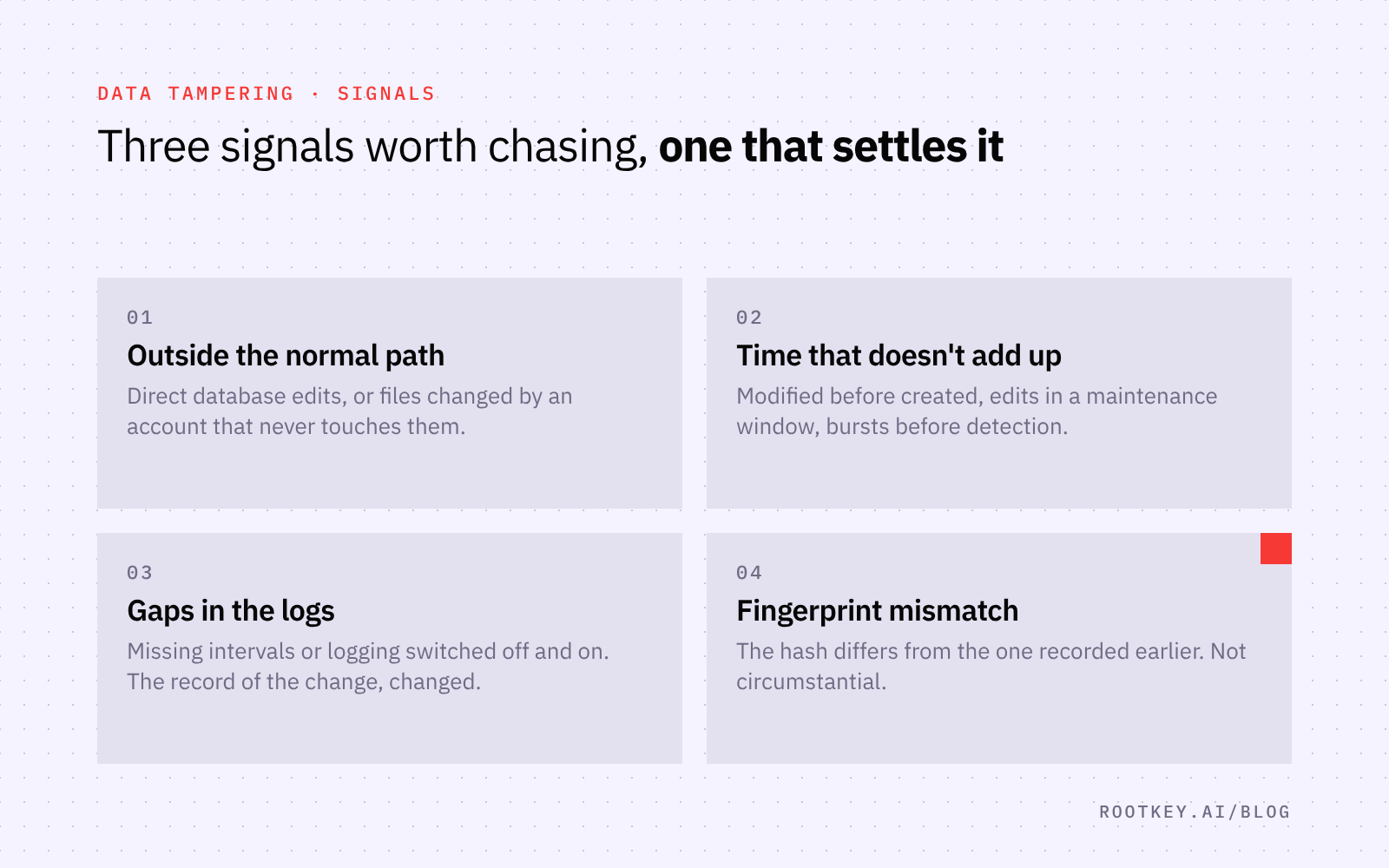
Five signals that data may have been altered
- Changes outside the normal path. Records edited directly in the database instead of through the application, or files changed by an account that never touches them.
- Time that does not add up. Modification times earlier than creation times, edits during a maintenance window, or a burst of changes just before an incident was detected.
- Gaps in the logs. Missing intervals, deleted entries, or logging switched off and on again. Attackers who change data often change the record of the change.
- Numbers that no longer reconcile. Totals that disagree with source systems, or a report that disagrees with the records it was built from.
- A fingerprint that no longer matches. A file or record whose hash differs from the one recorded earlier. This is the strongest signal, and the only one that is not circumstantial.
The check that settles it
To know whether data was tampered with, compare it with a fingerprint of its earlier state. A cryptographic hash does this well: change one character and the fingerprint changes completely.
Two conditions decide whether the comparison is worth anything. The fingerprint must have been recorded before the change, and it must be kept outside the systems that hold the data. If the reference lives in the environment the attacker reached, the comparison only confirms what the compromised system says about itself.
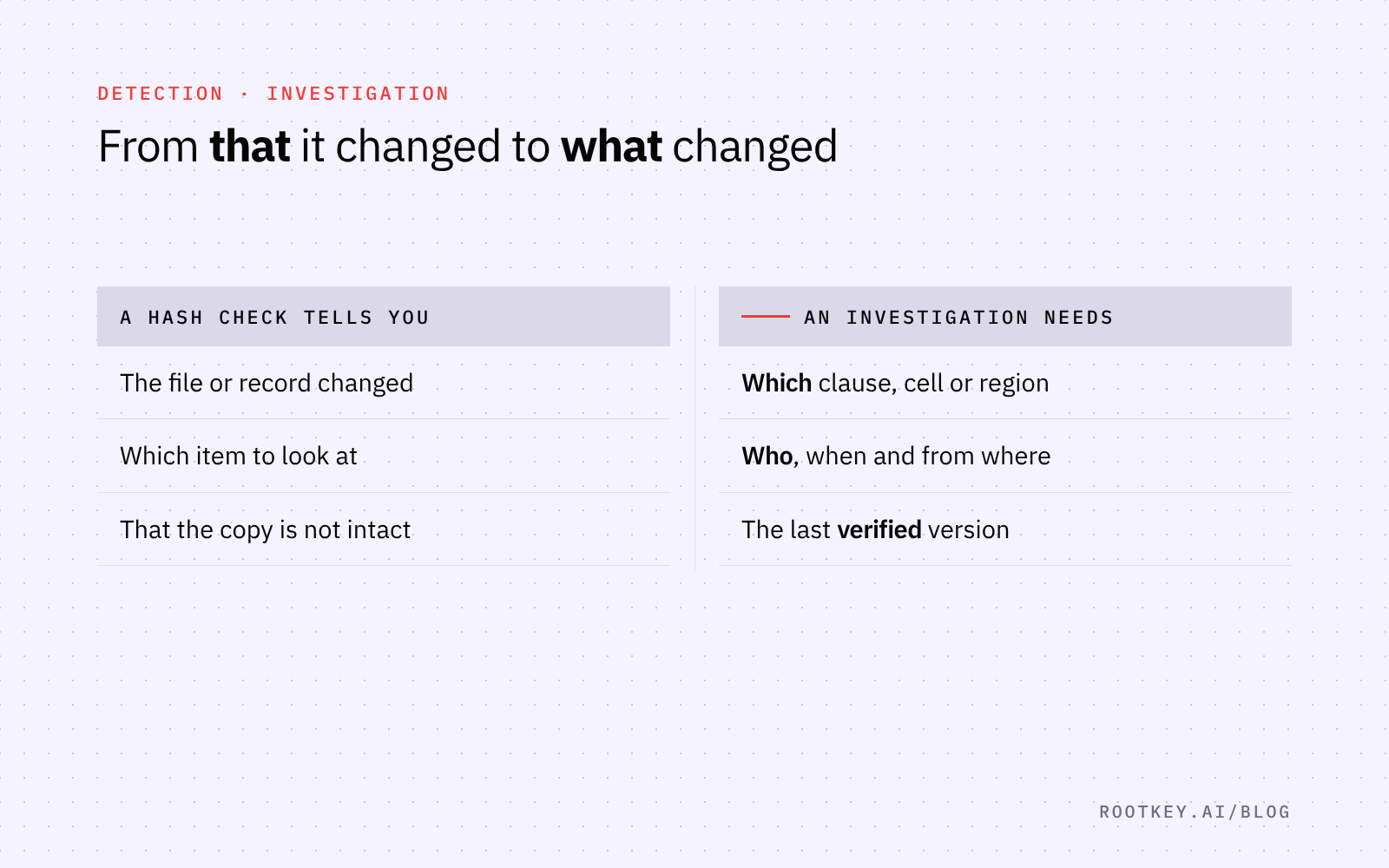
From "it changed" to "what changed"
A mismatched hash tells you that something changed. An investigation also needs to know what: which clause, which cell, which part of an image, and who made the change, when and from where. That needs the earlier version, or enough of its structure to compare content and not just fingerprints.
Building tamper detection into normal operations
- Fingerprint data when it is created or approved, not only when you copy it for recovery.
- Keep the fingerprints outside the perimeter, out of reach of the administrator accounts that can change the data.
- Verify on a schedule and on events: before a restore, before an audit, before data feeds a report or an AI model.
- Protect logs the same way as data. A log that can be edited is not evidence.
- Decide in advance who looks at a mismatch and how fast, so a signal becomes a finding and not a ticket.
After an incident, the same check decides whether a restore can be trusted; see Data Recovery Is Not Data Integrity Verification.
Where ROOTKey fits
ROOTKey seals a fingerprint of each file and record in an independent registry, outside your systems and outside ours. When it verifies a document it runs a stack of checks, including the hash, headers, metadata and pixels, and shows exactly what changed with a before-and-after comparison, plus who changed it, when and from where. If something was altered, you can restore the last verified version of that file or row.
See how verification works or talk to our team.