

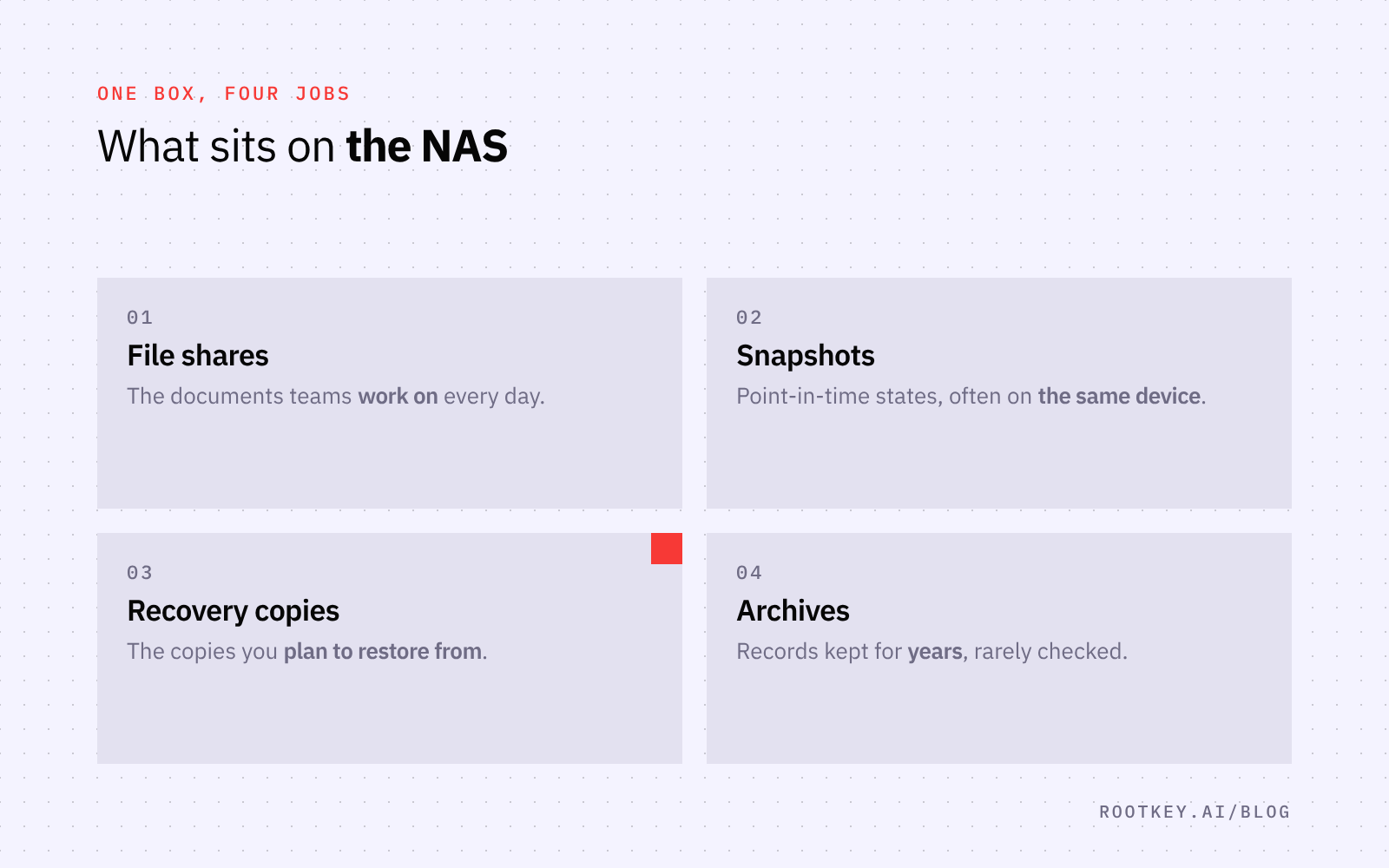
In late October 2026, Synology warned that threat actors were exploiting unpatched DiskStation Manager (DSM) systems to encrypt data and demand a ransom, and urged users to update immediately, as The Hacker News reported. Customer reports and a Qihoo 360 analysis link the campaign to ransomware called C3RB3R. For many organisations, a network-attached storage device is where file shares, snapshots and recovery copies live, which makes it the last line of recovery and an attractive first target.
What is known
- The vendor's warning. Synology said attackers are targeting vulnerable DSM versions to encrypt data and extort ransom, pointed to an earlier security advisory, and urged users to update DSM.
- The vulnerabilities. That advisory covers a critical remote code execution flaw, CVE-2024-10441 (CVSS 9.8), fixed in DSM updates. Qihoo 360 also links C3RB3R to two flaws Synology fixed in September 2026; that attribution comes from the researchers, not the vendor.
- The behaviour. Encrypted files are renamed with a .L0CK3D extension, according to the reports cited.
Why this keeps happening
October's joint advisory on SafePay said the group disrupts recovery by deleting shadow copies and resetting network storage that holds backups; we covered it in October 2026 in Review. The Synology campaign is the same logic from another angle. Attackers know where organisations keep the copies they will restore from, and those copies often sit on a device that is patched less often than servers and reachable from the same network.
Five things to check this week
- Patch DSM to a fixed version, as Synology urges.
- Take management interfaces off the internet and restrict them to an administration network.
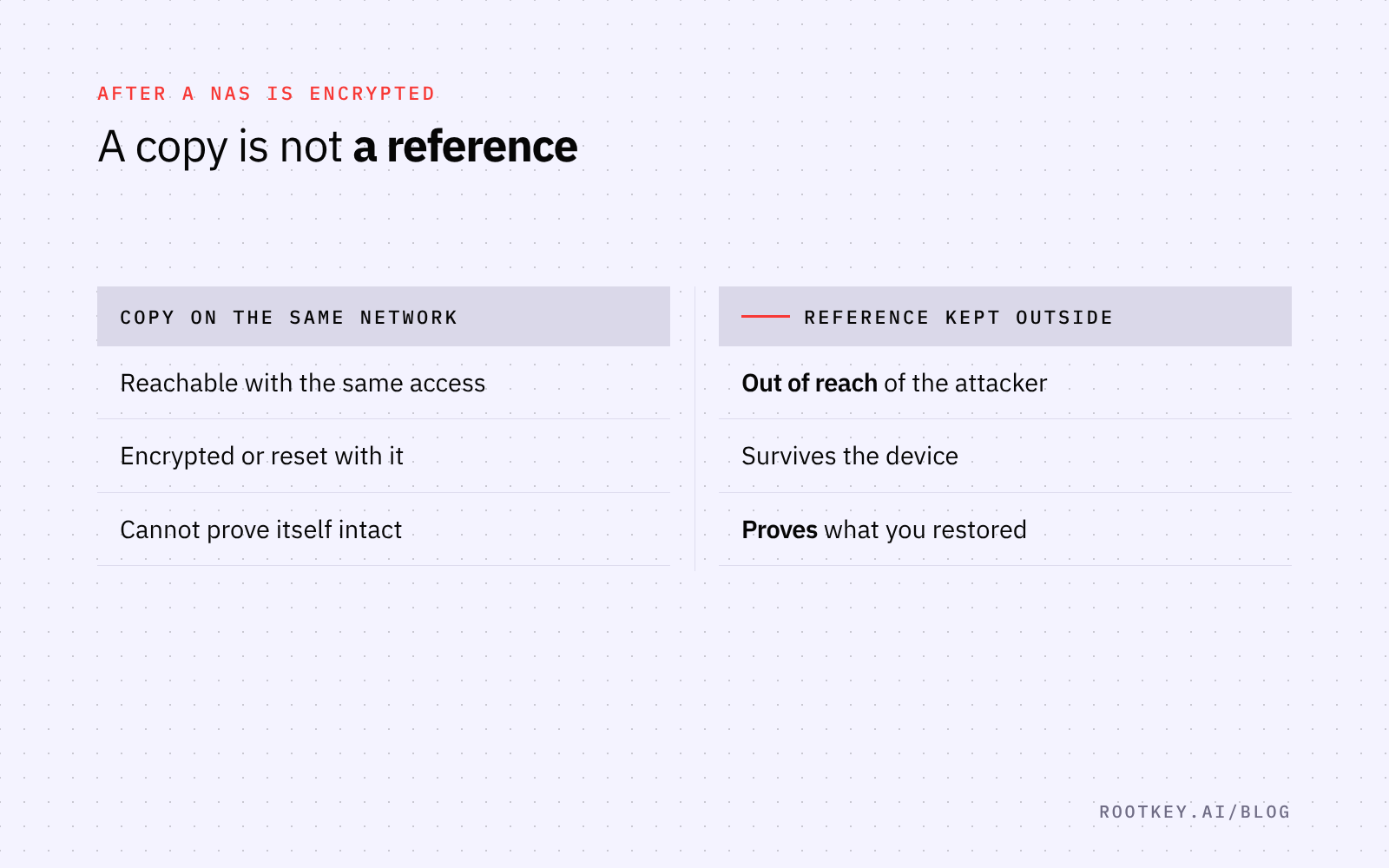
- Keep at least one copy that the NAS administrators cannot delete, on a separate system with separate credentials.
- Test a restore end to end, and compare the restored files with a reference recorded before the incident, not just with the copy itself.
- Record which version you would restore to, and why. Our checklist in Data Recovery Is Not Data Integrity Verification covers the rest.
Where ROOTKey fits
ROOTKey seals a fingerprint of each file and record in an independent registry, outside your network and ours. After an incident, it compares what you restored with that reference and shows what changed, who changed it, when and from where, so you can bring back the last verified version of a single file or row. It works alongside the storage and recovery tools you already run.